
You set up yet another Telegram bot hoping for something clever, and what you get is a stiff menu of buttons and a couple of canned replies. Step outside the script and it has no idea what you want. That's why, for a lot of people, the word "bot" already comes with a small sigh of disappointment.
A real AI assistant in Telegram works differently. It's not a fixed set of commands but a personal helper that understands plain human language and does concrete things: checks the weather, sets reminders, pulls up rates, works with your email, translates chats, searches the web, and remembers who you are and what you talked about yesterday or last week. Let's break down how a smart assistant differs from the usual button-driven bot, and what it can actually do.
How a Telegram AI chatbot differs from an ordinary bot
An ordinary Telegram bot runs on a script. A developer wired up the buttons, the slash commands, and the answers to them in advance. As long as you stay on that path, all good. Step off it, phrase things your own way, ask something off-template, and the bot gets lost: "Sorry, I didn't understand, please pick a menu item."
A chatbot built on a large language model behaves differently. Inside an assistant like this on the VELA platform runs Claude by Anthropic, so you can write your request the way you'd talk to a person. No slash commands, no guessing the "correct" wording.
Compare the two approaches:
"/weather Almaty" — that's the scripted bot: strict format, one step sideways and it errors out
"do I need a jacket in Tbilisi tomorrow" — that's the AI assistant: it gets the meaning, not just keywords
There's a deeper difference too. A scripted bot usually does one thing: show a schedule, take an order, return the weather. A smart assistant combines a dozen functions in a single chat and switches between them based on the flow of the conversation.
What a smart assistant on VELA can do
The interesting part isn't that the assistant "talks" — it's that it does concrete things. Here's the core of it, available on the free Basic plan.
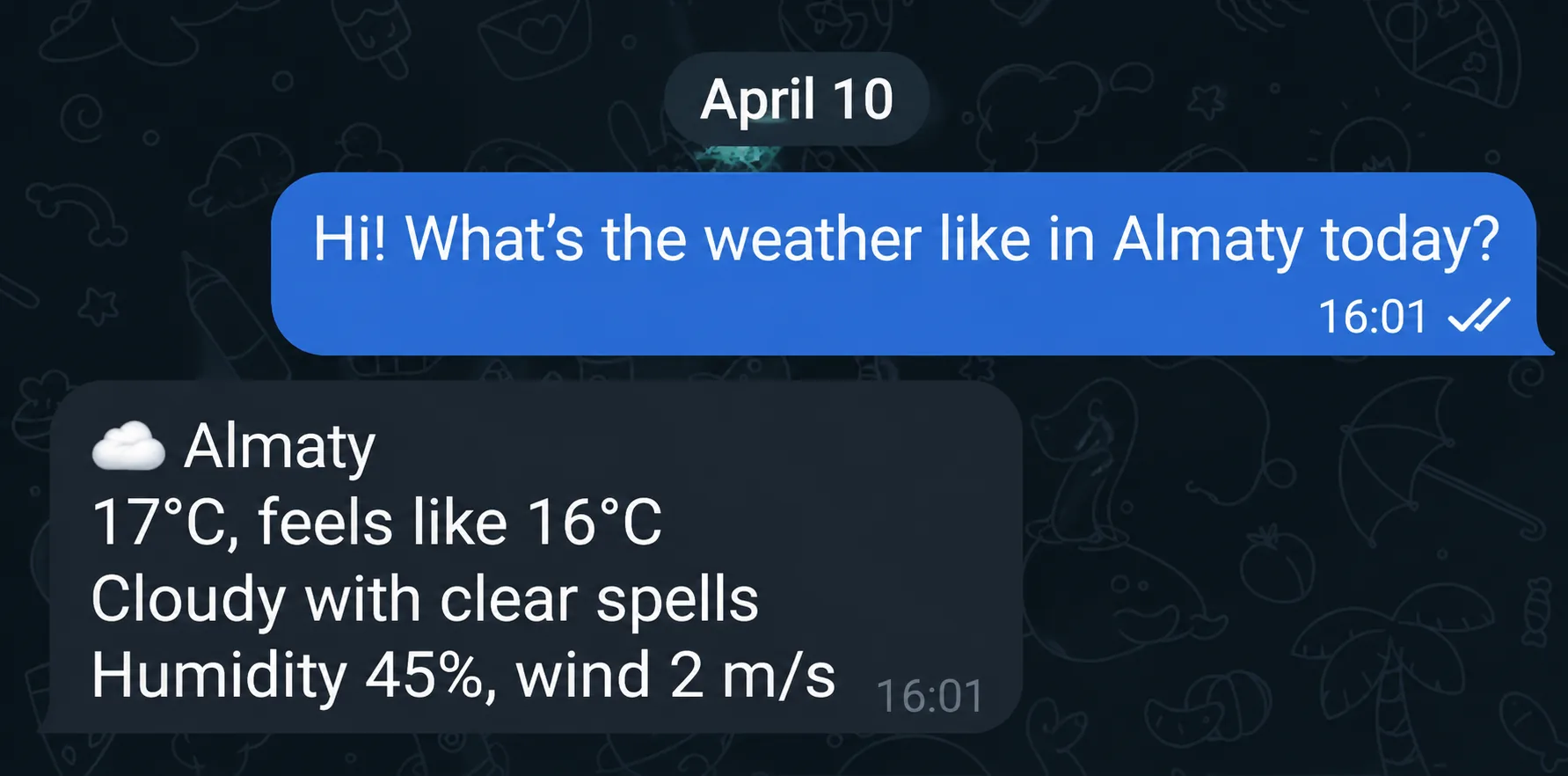
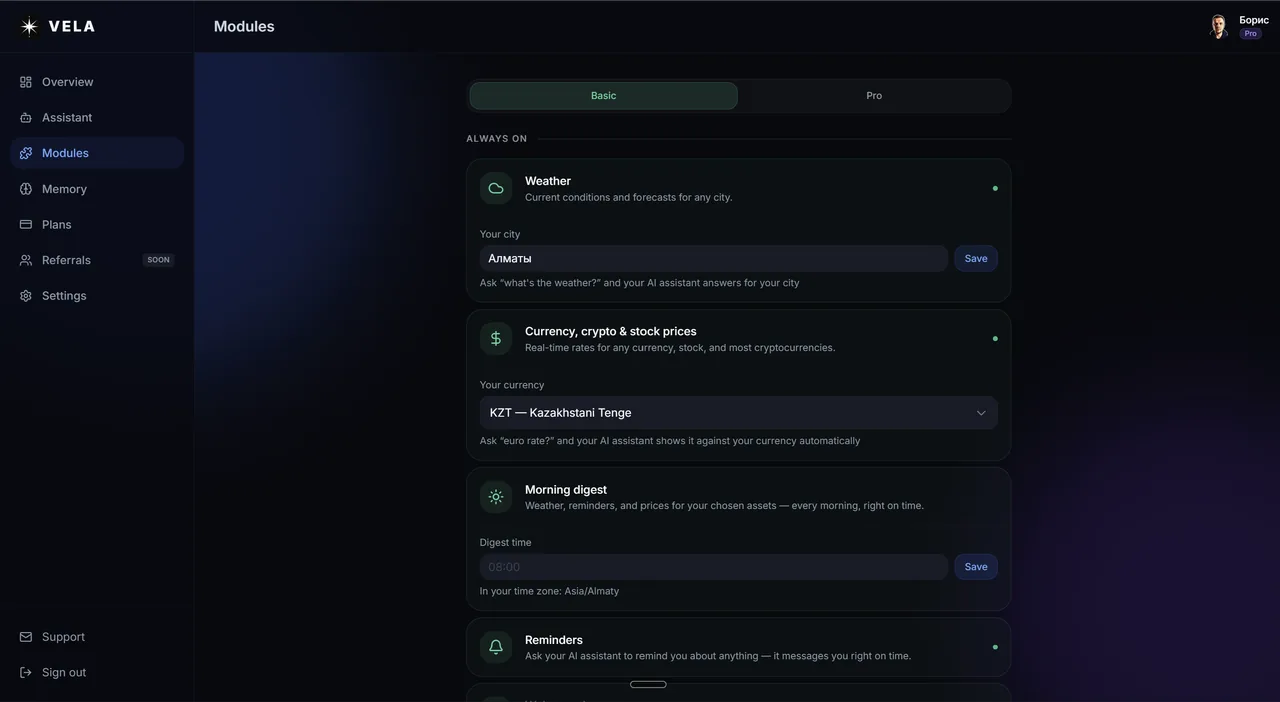
Weather. Ask "weather in Prague" or "do I need an umbrella in Minsk tomorrow", and the assistant returns the temperature, the feels-like, wind, humidity, and adds context-aware advice: grab an umbrella or dress warmer. Forecast up to 5 days ahead.
Reminders. Say "remind me in 30 minutes to call the doctor" or "every day at 9:00 remind me to take my vitamins", and at the set time the assistant messages you in Telegram. Both one-off and recurring reminders work.
Rates and quotes. Ask "dollar rate", "how much is ether", "Tesla stock", "silver price", or "S&P 500 right now", and get the price with the 24-hour change. There's a separate breakdown of currency, crypto, and stock rates, and one for index, commodity, and precious-metal quotes.
Web search. The assistant looks up current information when you explicitly ask: "find news about the elections". It can open a specific link and read the page.
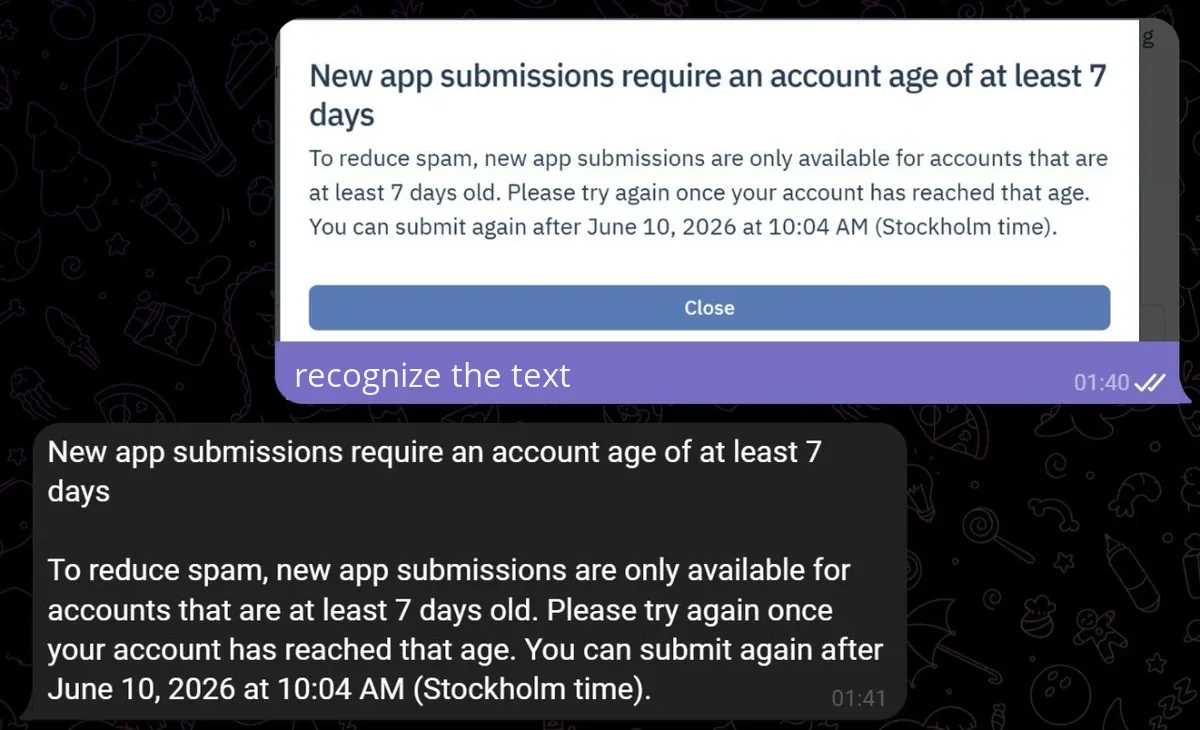
Photo and document analysis. Send a photo of a receipt, a screenshot with text, or a file with the caption "what does this say", and the assistant recognizes the text in any language, parses the document, and answers questions about it. PDF, Word, Excel, TXT, and photos are supported.
Translation. A message or voice note comes in a foreign language — forward it to the assistant and ask "translate to English". It works both ways: dictate a thought in your own language, ask for the translation, and send the finished text on. There's a separate piece on the translator in Telegram.
Memory. The assistant remembers who you are: name, city, work, habits. Tell it once you live in Tashkent, and from then on "weather" answers for Tashkent without asking again.
By voice, not just text
Typing isn't required. Write or send a voice message in plain words, and the assistant recognizes the speech and does what you said.
Dictate from behind the wheel "remind me tomorrow at 10 to pick up the parcel", and the assistant sets the reminder. Ask about a rate by voice, and it answers in text. Handy on the move, on transit, or when you just don't feel like typing.
A separate case is a forwarded voice note from someone else. The assistant transcribes it to text, and from there you can ask it to translate, pull out tasks, or summarize. That's the thing plain transcription bots don't give you: with them the transcript is the dead end, here it stays in the chat and you keep working with it.
What Pro adds
The free Basic plan covers most everyday tasks. But the smart assistant also has heavier, work-oriented features that open up on the Pro plan ($12 a month, or $9 billed annually).
Google Workspace — Gmail, Calendar, Tasks, and Drive through a single connection
Flight search — any route with filters for price, time, and airline
Price alerts — the assistant pings you when an asset hits your target price
Images, videos & stickers from a text description or your photo
Advanced crypto search — rare tokens by ticker or contract address
Reading Telegram channels — summaries of posts from your channels over a period
What not to expect from an AI assistant
Honesty beats hype. A smart assistant isn't all-powerful, and it has limits.
It doesn't make bank transactions or money transfers, doesn't book tickets (only searches and hands you a link to a third-party service to buy), doesn't auto-post to social media, and doesn't work without internet. Any large language model, Claude included, sometimes gets things wrong, so important facts, around health, finances, and the like, are worth double-checking rather than taking on faith.
VELA gives you a ready-made assistant with a fixed set of modules for personal tasks. If you need a bot for a specific business scenario (a consultant with a CRM, salon booking, table reservations), that's a different kind of job, and the Vibecraft studio builds those to order.
FAQ
Do I need technical skills to set up an assistant like this? No. Setup takes about five minutes: create a Telegram bot through @BotFather, get the token, paste it when you sign up at velabot.io, and your smart assistant is ready. No code, no server. No card needed at sign-up.
How is an AI assistant different from ChatGPT or Claude directly? ChatGPT and Claude are powerful language models, and on paid plans they can do a lot. The difference isn't the feature checklist but where the assistant lives and how much setup it takes by hand. The assistant on VELA runs right inside Telegram on your phone or computer: no separate app, no desktop program, no always-on machine (with Claude's desktop app, for instance, scheduled tasks only run while the program is open on your computer). Many modules work out of the box the moment you connect them.
Can I use the assistant for free? Yes. The Basic plan already includes weather, rates, reminders, search, photo and document analysis, translation, memory, and the morning digest. The limit is 15 messages a day. You only need Pro if you hit the limit or want the work features like Google Workspace or reading Telegram channels.
Does the assistant remember what we talked about earlier? Yes. Long-term memory works on both plans — the assistant remembers your name, city, work, and preferences between sessions. You can ask "what do you know about me" or ask it to forget a specific fact.