
Checking the weather is one of the most common morning habits for almost everyone. It usually goes like this: unlock the phone, find the app, wait for it to load, scroll past ads. Thirty seconds for a task that could take five. A personal Telegram bot built on the VELA platform clears that routine with one message right in the chat: no switching, no separate apps.
What the Weather module does and which plans it's on
The module is part of the free Basic plan, no card required. It's available right after you sign up and turn it on in the VELA dashboard.
What the module can do:
Show the current weather in any city in the world
Build a forecast for up to 5 days ahead
Accept your location — the AI assistant figures out the city and area and shows the weather
Add a tip to the forecast automatically
Weather data is fresh and real-time. In its replies, the bot returns: the city name, the current temperature and "feels like," a weather description in English (or any other language you use), humidity, wind speed, and a condition icon (☀️ 🌤️ 🌦️ 🌩️ and others). A short tip is added automatically: "Grab an umbrella 🌂" or "Very cold — dress warm 🧥", depending on the conditions.
The forecast shows the day's temperature (low and high), a weather description, and a precipitation warning if the chance of rain or snow is high.
How to set up the module in the VELA dashboard
Setup takes less than a minute. There are two steps.
First: sign in to the VELA dashboard and open the modules section. The Weather module is already active.
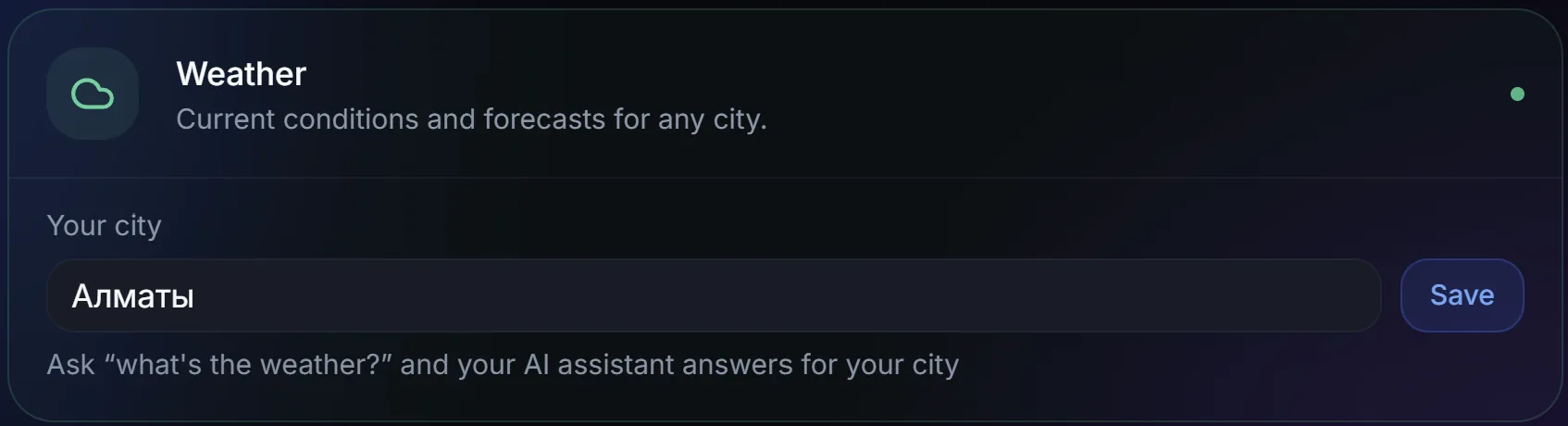
Second: optional but useful. You can set a default city. With it set, the request "Weather" with no city works right away: the AI assistant uses your city. Without it, the AI assistant asks where exactly to look.
No other settings are needed. The module is ready to go.
How to use it: example requests to the bot
The module understands natural language. No slash commands, no exact phrasing: just write as usual:
"Weather in Almaty" — the current weather wherever you need it
"What's the weather in Berlin this weekend" — a forecast for a specific day or days
"Forecast for the week in Istanbul" — a forecast up to 5 days ahead
"Will it rain tomorrow in Moscow" — the AI assistant shows the forecast and the chance of precipitation
"Do I need a jacket in Prague the day after tomorrow" — the AI assistant shows temperature and precipitation, and you decide
"Weather" — the current weather in your default city, if it's set in the module settings
"What's the weather in Bishkek for the next three days" — a day-by-day forecast
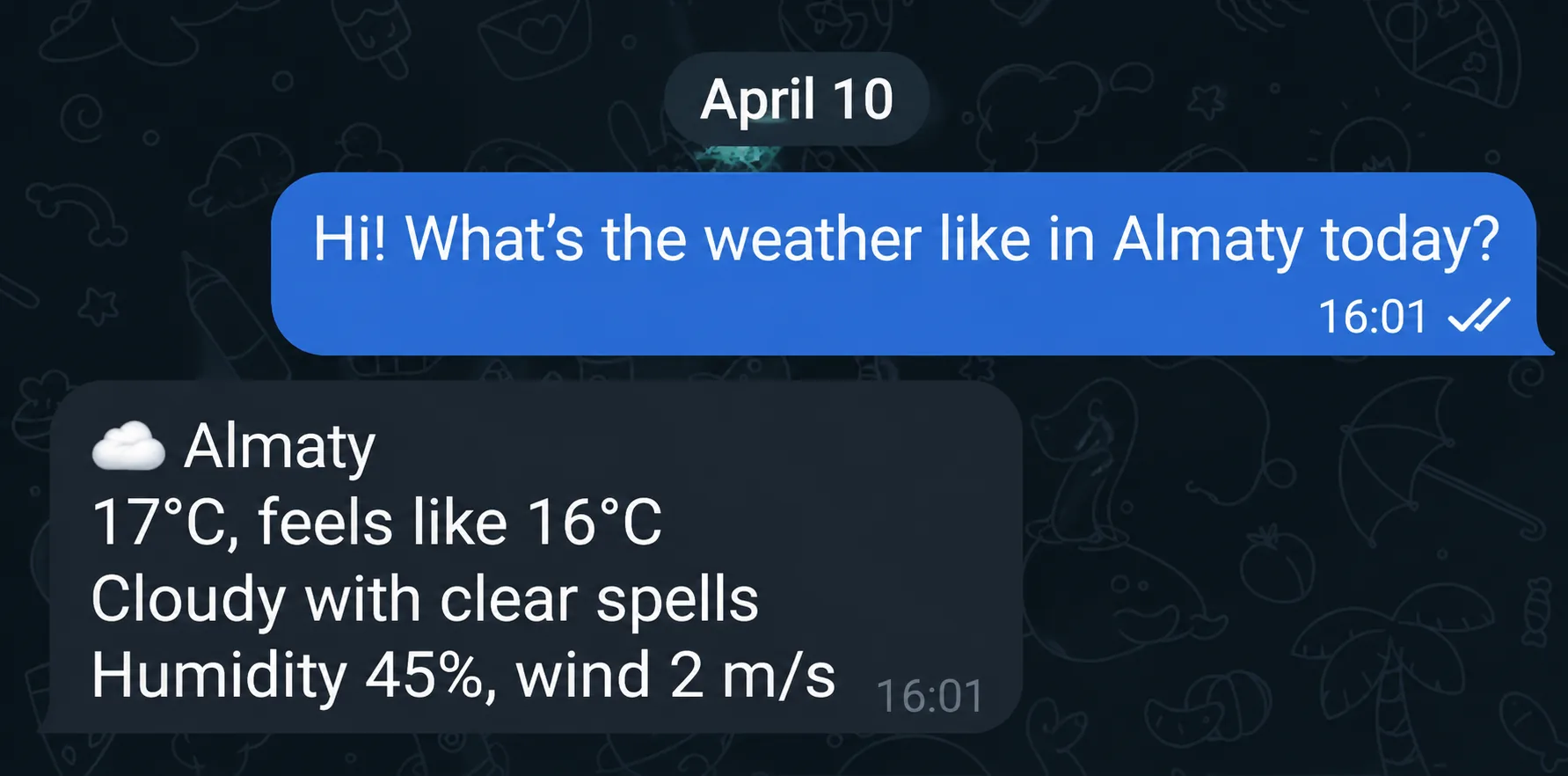
If you need to compare several cities before a trip, you can ask one at a time. The bot answers each question separately and keeps the context within your conversation.
By voice
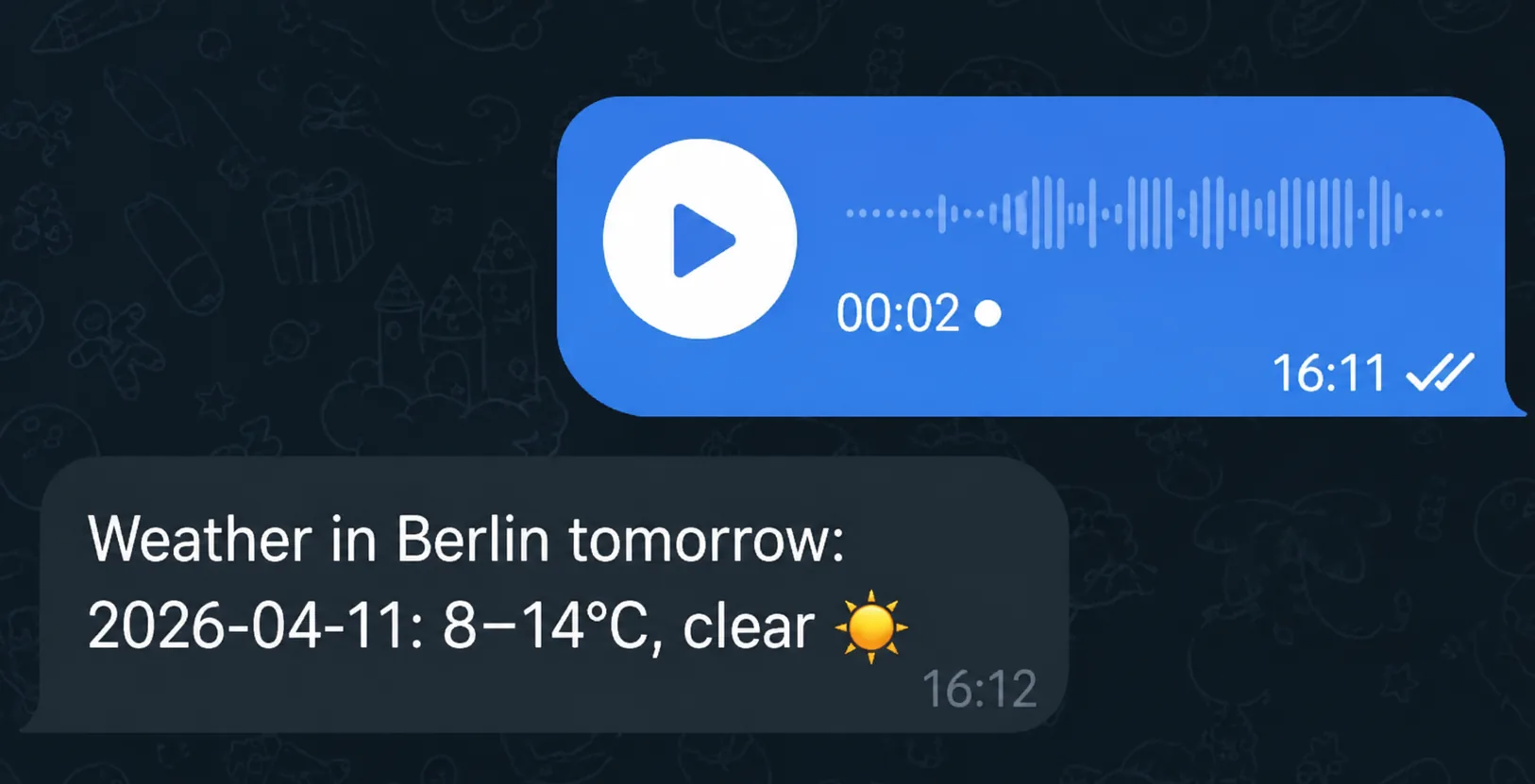
You don't have to type a single character: just dictate the request, and the AI assistant transcribes the audio and answers as if you'd typed it.
It's handy in the morning: phone in hand, you say "weather in Almaty" and read the answer a second later. It works for any request: current weather, a multi-day forecast, a specific date, and so on.
What the module can't do
The limits, up front, so there are no surprises:
A forecast beyond 5 days — not available. The bot doesn't return data past that horizon and will tell you so honestly.
Historical data — the module won't show what the weather was yesterday or a week ago.
Precipitation radar and satellite imagery — text forecast only, no maps.
Weather alerts — notifications about sudden weather changes or extreme conditions aren't implemented.
If you want to get the weather automatically every morning along with prices and reminders — that's the Morning Digest module, also available on the Basic plan.
If you need historical data or detailed maps, there are specialized services for that. The Weather module in the AI assistant solves a different problem: quickly answering a specific question in Telegram without opening extra apps.
FAQ
Can I ask for the weather in several cities in one message? The bot handles the first city in the request. For several cities, it's better to send separate messages — the answers come out cleaner.
A 7-day forecast — is that possible? No. Five days max. If you ask for a week, the AI assistant returns data for the next 5 days.
What if I just write "weather" with no city? If a default city is set in the settings, the AI assistant shows the weather for it. If not, it asks you to specify a city.
Why it's easier than apps and websites
Telegram is already open on your phone, for chats, news, everything. To check the weather you don't have to leave it, find the right icon, wait for it to load, and scroll past ads. One chat, one question, one answer, and you're back to what you were doing. It's not a revolution, just a few fewer steps every morning. Everything also stays in the chat, so you can scroll back to an earlier answer whenever you need it. For the other daily tasks the AI assistant handles, there's an honest breakdown.