
Generating an image or a short video with a neural network is usually a task that needs a separate app, service, or web browser. Midjourney, DALL-E, Kling, and others, each has its own interface and settings. The Image & Video Generation module in VELA's AI assistant removes the need to open a third-party app or website: image generation in Telegram happens right in the chat, and the assistant makes short clips there too. Describe what you want and get the result on the spot.
What the module does and which plan it's on
The module works on the Pro plan ($12/mo, paid by card, Telegram Stars or crypto). It's not available on the free Basic plan.
Under the hood are two engines: images are created by Google's Nano Banana 2 — a top-tier model that understands plain human requests well. Videos are made by ByteDance's Seedance 2.0, making short clips with realistic motion.
What it can do:
Create images from a text description
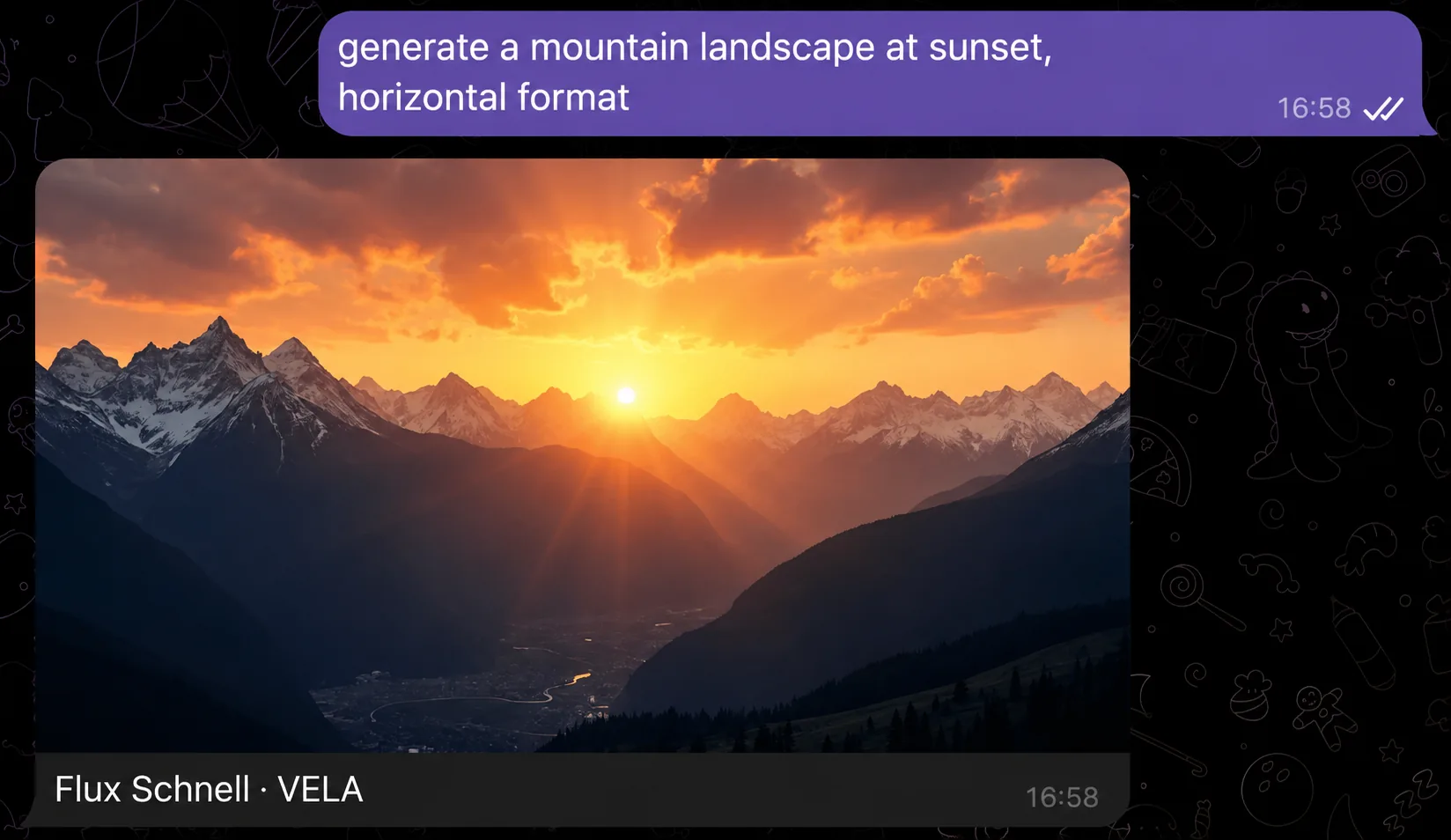
Three image formats: square, horizontal (landscape), vertical (portrait)
Short videos (5 seconds): a clip from a text description
Animate a photo: send your photo and ask to add motion — you get a video
Included in Pro: 15 images and 5 videos per month. Need more — packs for Telegram Stars right in the chat, purchased packs never expire
The AI assistant builds the detailed prompt for the model itself: you describe the idea in your own words, and it turns that into a polished description. Nothing special to write.
A word on quality. Nano Banana 2 handles lettering in images well: a short phrase or a name on a card comes out crisp — long lines in small print are still harder for the model, worth keeping in mind. And when animating a photo, Seedance 2.0 keeps the person or object in the shot recognizable: motion is added carefully, faces don't "melt".
The module is active automatically on the Pro plan, no extra settings in the dashboard required.
How to connect
No separate activation needed. If you're on Pro, write a generation request in the Telegram chat and the AI assistant replies with a finished image or video. No tokens, no keys, no settings.
The only setting you make explicitly is the format. If you don't specify it, the AI assistant picks square by default. To get a horizontal or vertical image, just add that to the request.
How to use it: example requests
The AI assistant understands natural language. Describe the scene however you like, no special commands or syntax.
Image request examples:
"Draw a sunset over a mountain lake, warm colors"
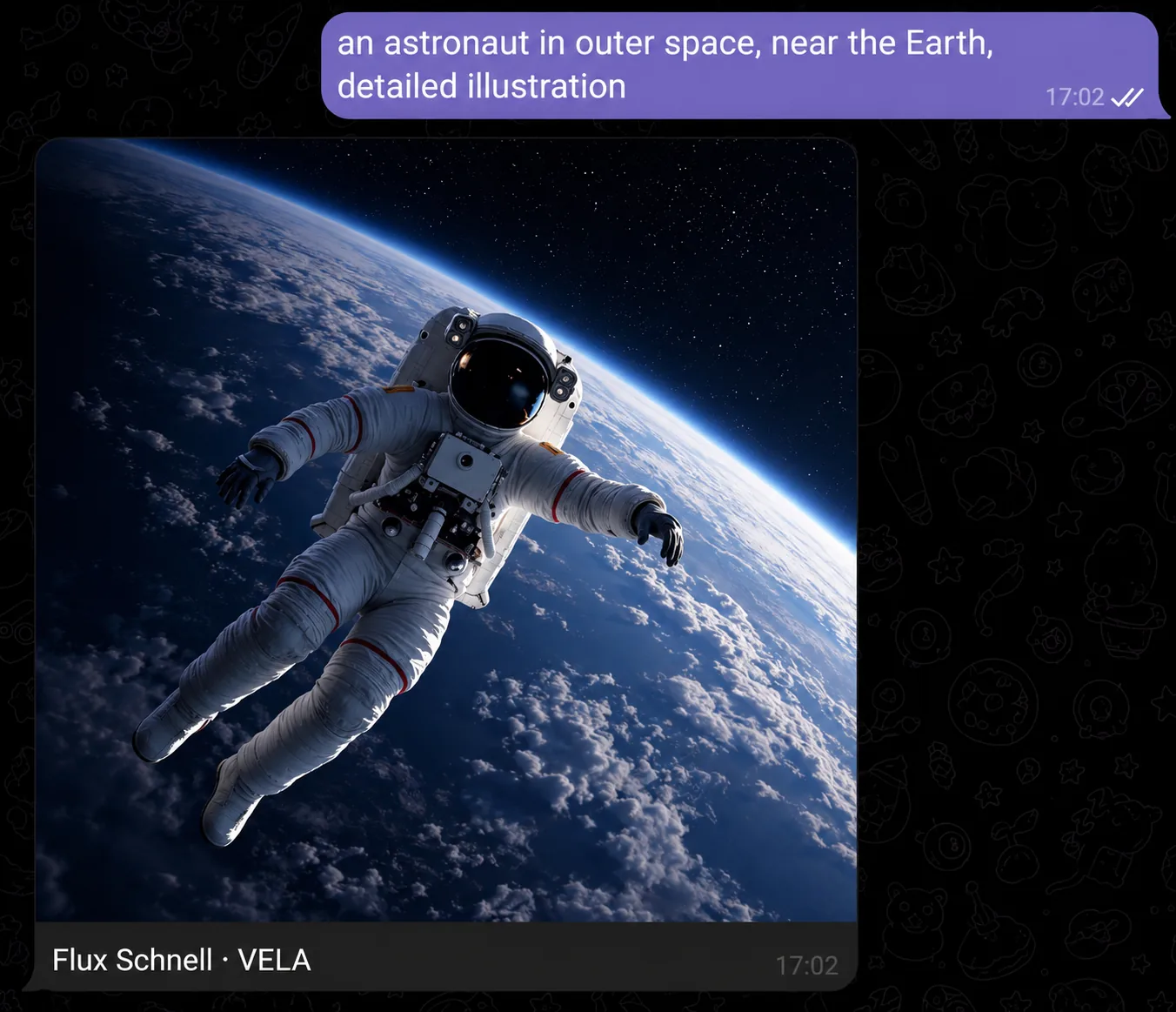
"Generate an astronaut riding a unicorn, cyberpunk style"
"Abstract art in blue and gold tones, vertical"
"An autumn forest with fog, morning light, horizontal format"
Video request examples:
"Make a video: a cat dancing at a party"
"Make a birthday video card: balloons and confetti"
"Animate this photo" — with a photo attached: the assistant adds motion and returns a clip
Video is a "for yourself" format: greetings, video cards, animating a vacation shot or a pet photo, a fun clip for friends. Clips are 5 seconds long.
The more specific the description, the closer the result is to what you expect. Add style (watercolor, cyberpunk, minimalism), lighting (sunset, morning, night), mood (fog, rain, snow). If the result isn't what you wanted, describe what to change: "the same, but darker tones" — the AI assistant generates a new version.
By voice
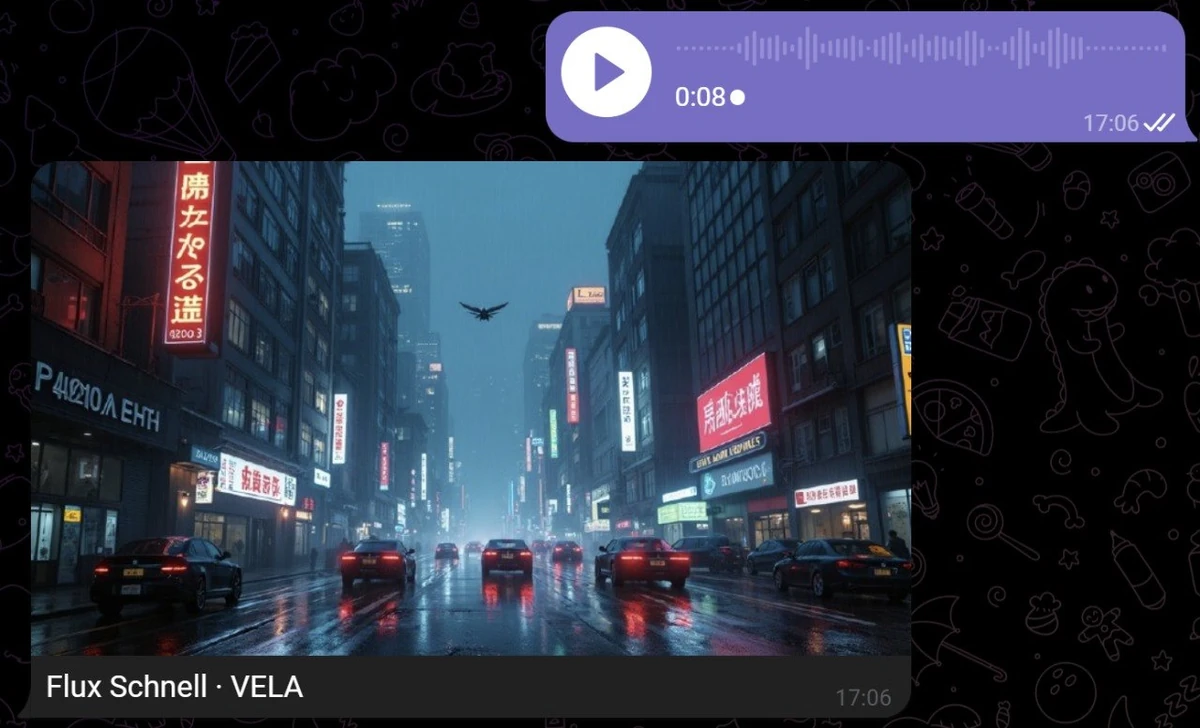
You don't have to type. The AI assistant recognizes voice messages and handles them just like text.
Dictate: "draw a mountain landscape with a river and autumn trees, horizontal" or "make a video: waves at sunset", and get the result without a single keystroke. Handy on the go, in transit, or when typing is awkward.
Long, technical descriptions with lots of detail are better typed: it's harder to phrase precisely by voice. But for most scenes, voice works great.
What the module can't do
Worth knowing before you try:
No editing of existing images. Only creation from a description, from scratch. You can't upload a photo and ask "remove the background" or "add a sunset," etc. — that's a different task, not available here.
No inpainting or outpainting. You can't paint over part of an image or extend it beyond its edges.
No style transfer from a reference. You can't upload an example and say "draw in the same style."
Limits: 15 images and 5 videos per month included in Pro. When you run out, the AI assistant offers to buy a pack with Telegram Stars right in the chat: 10 images — 120 Stars, 5 videos — 180 Stars. Purchased packs never expire.
Videos are 5 seconds. No longer clips, no scene stitching, no voice-over. It's a short clip, not a video editor.
If you need to analyze photos or extract text from images, that's a separate module, available for free on the Basic plan.
One chat instead of separate apps
For image generation, people usually open Midjourney or ChatGPT with DALL-E, and for video, Kling or Runway — each with its own site, app, and sign-up. With VELA's AI assistant, image generation in Telegram and video to go with it is one request, with no extra subscriptions, settings, or accounts. Right alongside are reminders, flight search, the morning digest, the Google Workspace integration, and other useful capabilities. Your phone and computer are always at hand, Telegram is installed and open: nothing new to add.
FAQ
Which plan is image and video generation on? Pro only ($12/mo, paid by card, Telegram Stars or crypto). On free Basic, the module isn't available — when you ask, the AI assistant suggests upgrading to a paid plan.
What are the limits? Pro includes 15 images and 5 videos per month. When the included amount runs out, you can buy a pack with Telegram Stars right in the chat: 10 images — 120 Stars, 5 videos — 180 Stars. Pack images and videos never expire.
How do I animate a photo? Send a photo to the AI assistant and describe the motion: "animate this photo", "make the waves move". You get a 5-second clip with your shot.
Can I generate by voice? Yes. Dictate the description as a voice message — the AI assistant recognizes the audio and creates an image or video from your description.
Which image formats are supported? Three options: square (1:1), horizontal (landscape), and vertical (portrait). Specify the format in the request, or the AI assistant creates a square image by default.
What if I'm not happy with the result? Describe exactly what to change — the AI assistant creates a new version. Each attempt counts as a separate generation and uses up the limit.