
Notion holds everything that matters — tasks, projects, ideas, notes and more. VELA's AI assistant connects to it, so adding an entry, creating a page, finding something, or editing content can all be done right from Telegram, by text or voice.
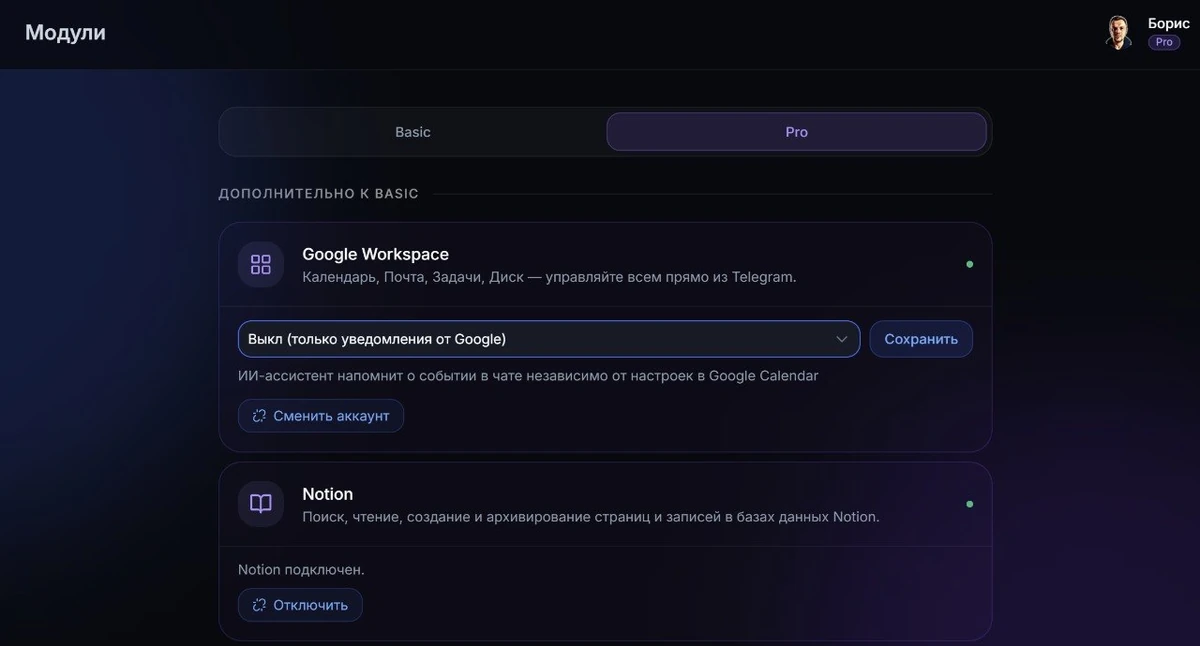
Notion is a module of the Pro plan ($9/mo, paid by card or Telegram Stars). It's connected in the dashboard via a personal access token.
How to connect
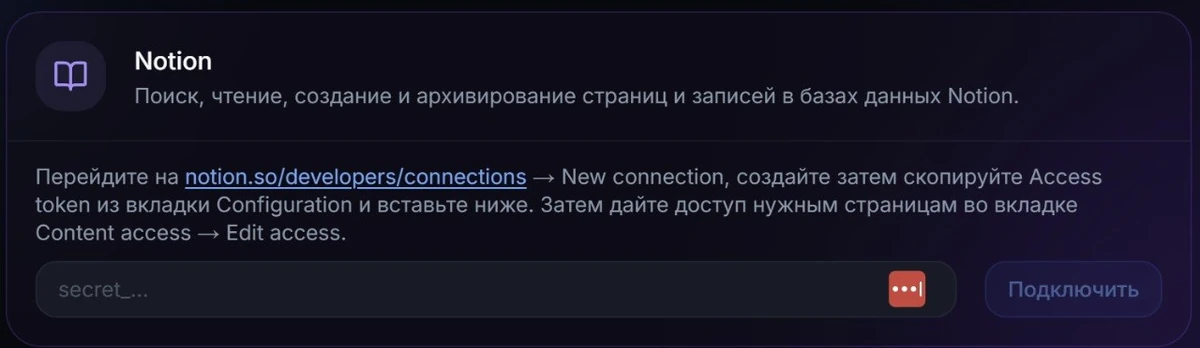
Connecting takes a few minutes. Go to the VELA dashboard, to the "Modules" section, find the "Notion" card, and enter the access token you obtained from your Notion settings (instructions are nearby). Then be sure to add the pages you need in Notion to this integration — otherwise the AI assistant won't see them on requests. This is done via "Connections" on each page or in the general settings inside Notion itself.
What the module does
After connecting, the AI assistant gets access to your Notion workspace. Here's what really works:
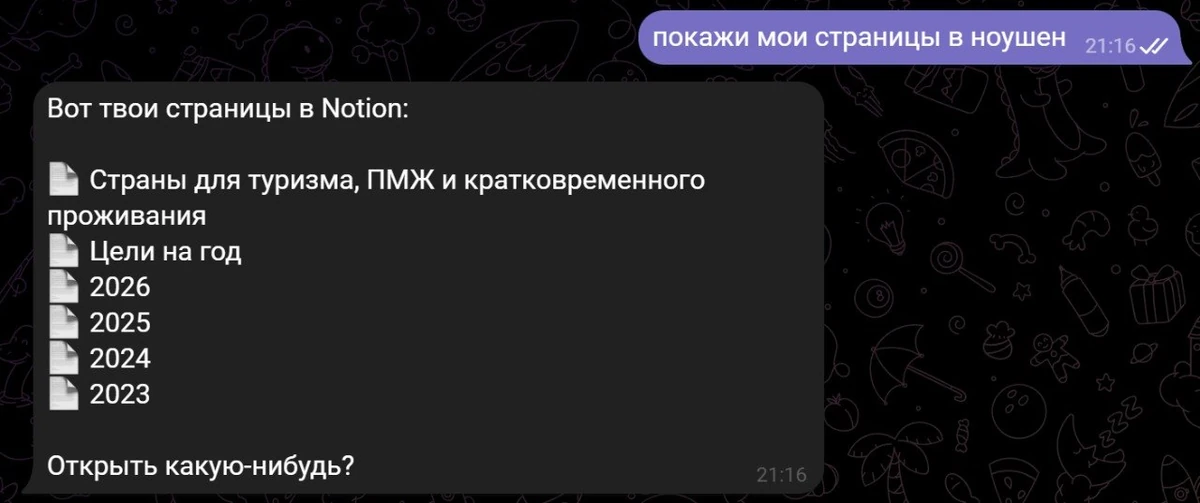
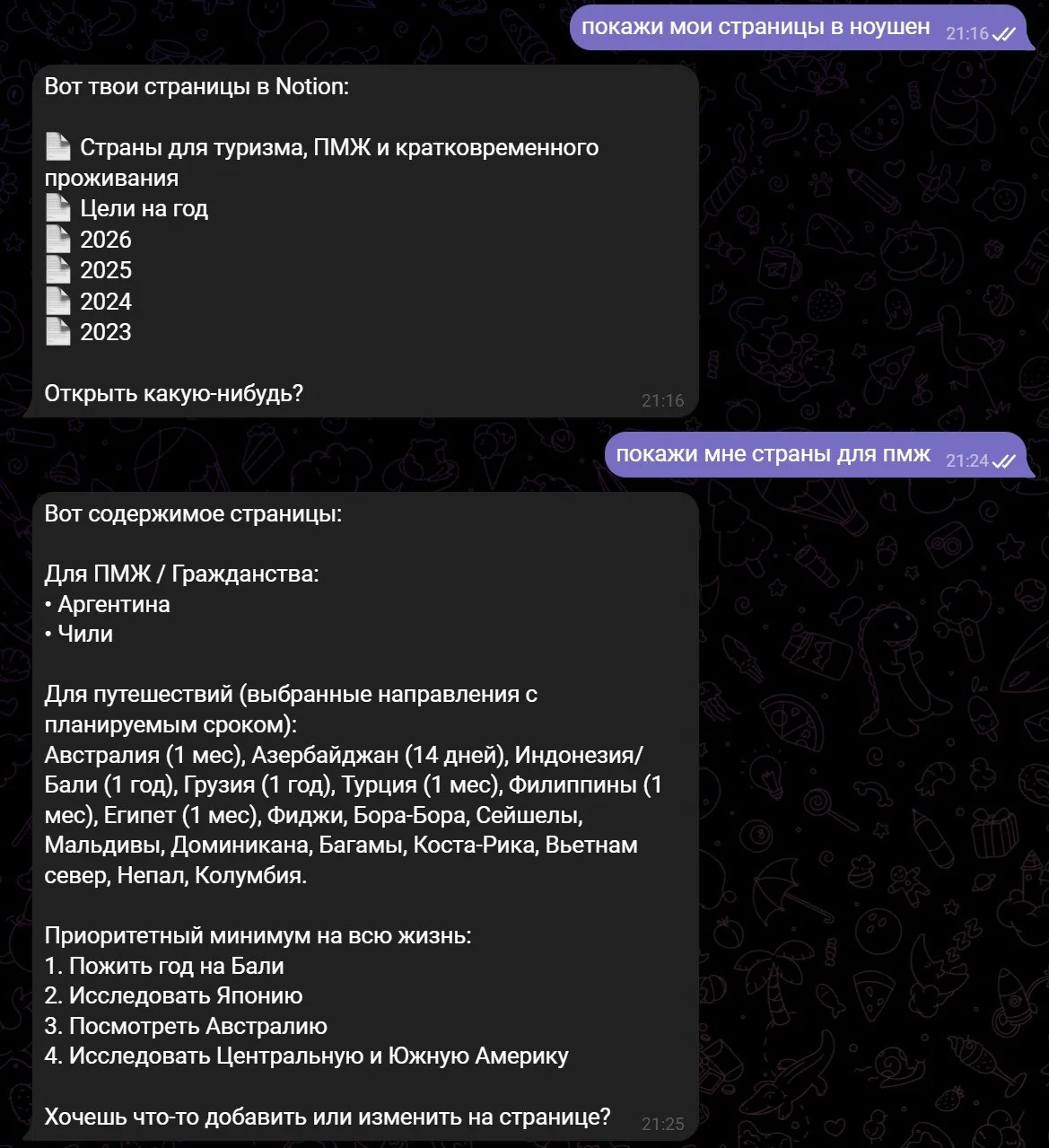
Searching pages and databases — "find the page about the project", "show the tasks database"
Reading content — the AI assistant reads text, headings, checkboxes, tables, lists. Images and files are shown as links.
Creating new pages — "create a page 'July ideas' with the text..."
Creating entries in databases — "add an entry to the tasks database: review the contract"
Adding text to the end of a page — "add to the page: the meeting was moved to Friday"
Editing — update a block's text, mark a checkbox as done ("mark the task 'call the bank' as done")
Working with tables — update a table row or add a new one
Deleting blocks from a page
Archiving pages and entries — moves them to the trash
All of this works by voice too. Send a voice message — the AI assistant recognizes the speech and performs the needed action.
Examples of real scenarios
How it looks in practice:
Maxim keeps a projects database in Notion. Previously each new project meant opening the browser or app, going into Notion (if not already done), finding the right database, creating an entry. Now he writes to the AI assistant in Telegram: "add a project: landing page redesign, client — Aria" — the entry appears in the database in seconds.
Asel uses Notion as a personal ideas journal. An idea comes while on the move — she sends a voice message right in Telegram: "create a page 'idea: a habit-tracking app' and write down...". Without opening a laptop or app.
Dmitry keeps tasks in Notion. "Mark the task 'book the hotel' as done" — the AI assistant finds the right checkbox and ticks it.
What the module can't do
An honest look at the limits:
Doesn't see pages that aren't connected in advance. If you haven't added a page in Notion in its settings, the AI assistant won't find it, even if it exists.
Media files are shown as links. Images, PDF attachments, embedded videos — shown with a caption and a URL as a link. The contents of files aren't read.
Doesn't create new databases. It only makes entries in databases that already exist.
Limited support for entry properties. When creating an entry in a database, these work: text fields, number, select dropdown, checkbox. Date, status, Relation, Formula, Rollup — not supported.
Doesn't track changes automatically. No background sync, no notifications about changes — only a reply to your explicit request in the chat.
Notion and Google Tasks: different tools for different things
Google Tasks is a simple to-do and task list. Quickly add a task, mark it done, see it in the morning digest next to events from Google Calendar.
Notion is a different scale. It's a workspace: pages, databases, project documentation, a personal knowledge base, notes, meeting records, references and more. Structured content lives there — not just lines of text.
If you run projects, keep documentation, or use Notion as a second brain — the VELA module simply makes it accessible from Telegram. If you only need simple reminders — the Reminders module on the Basic plan handles that without extra tokens and settings.
FAQ
Do I need technical knowledge to connect Notion? No. You need to get a special token in your Notion settings (takes 2–3 minutes), paste it into the module card in the VELA dashboard, and add the pages you need for access to them from Telegram inside Notion itself.
Is it safe to give the Notion token to VELA? The token is stored encrypted and is used only to carry out your requests to Notion. VELA doesn't read your data in the background and doesn't pass it to third parties. If you want to revoke access — delete the integration in your Notion settings, and the token will immediately stop working.
Does the module work on Basic or only on Pro? Only on Pro ($9/mo, paid by card or Telegram Stars). On Basic the Notion module isn't available.
Can I use voice to work with Notion? Yes. The AI assistant recognizes voice messages and performs the needed action — creates an entry, finds a page, ticks a checkbox, and so on.